 Browser extension for Safari and Chrome
Pause before you scroll
Nope puts a calm pause page in front of the sites you block in Safari or Chrome. Leaving takes one tap. Opening a site means a short wait and a few minutes from a daily allowance, so “just five minutes” can't turn into the whole afternoon.
Free. Out now for Chrome on a computer. Safari for iPhone and Mac is coming soon to the App Store.
How it works
Nope runs in Safari on iPhone and Mac, and in Chrome on a computer. Three steps, and the third is the one that does the work.
Block
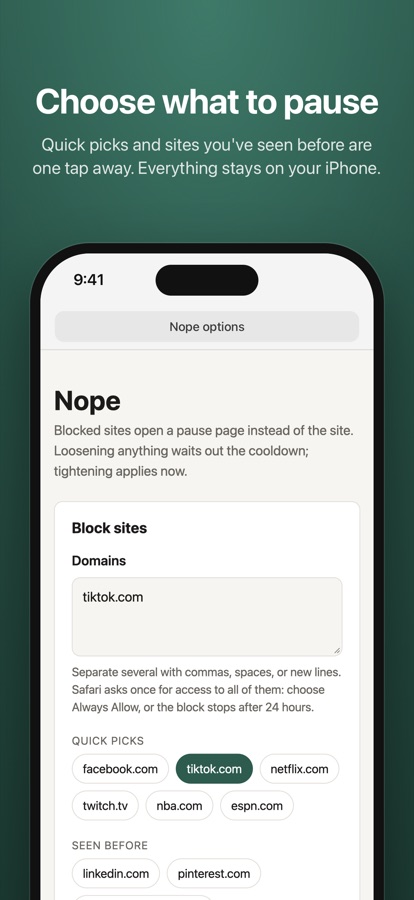
Pick the sites that eat your time, from quick picks or by typing a domain. A block covers www., mobile, and every other subdomain.
Pause
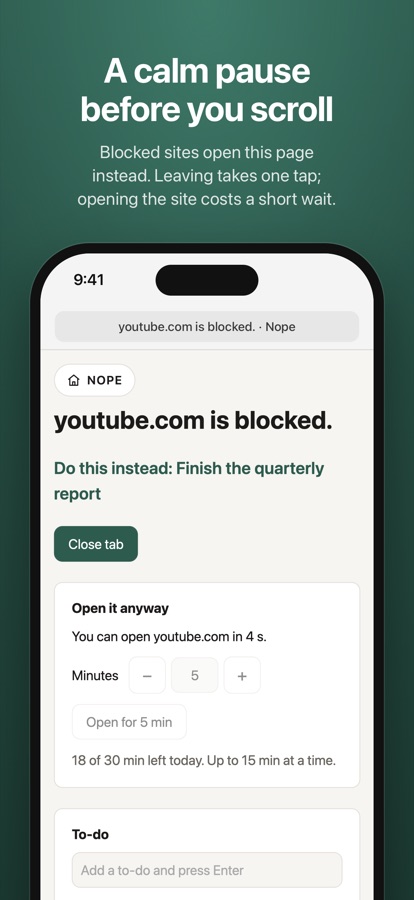
Open one, and Nope sends it to a pause page showing the first thing on your own to-do list. Leaving takes one tap.
Decide
Really need it? Wait out a short countdown, then open the site for a few minutes out of a daily allowance. When the time is up, it goes back to the pause page.
Changing your mind works one way
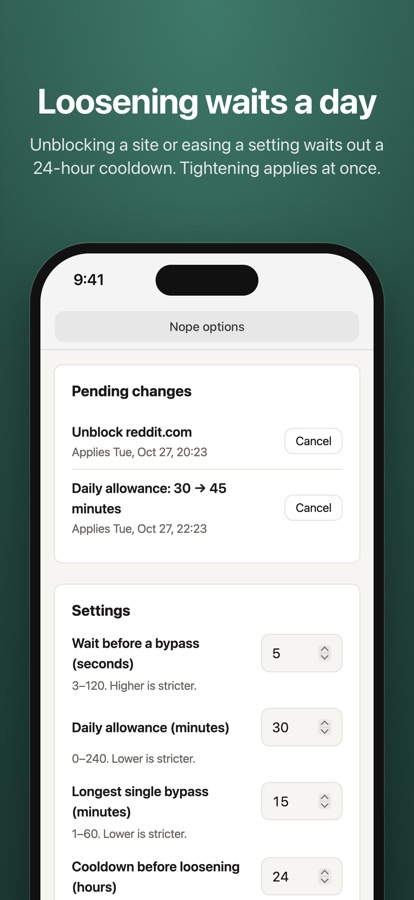
Tightening applies at once: add a site, shrink the allowance, lengthen the wait. Loosening waits out a cooldown, 24 hours by default, so a weak moment can't undo a decision you made with a clear head.
What you get
- A pause page that shows “Do this instead” from your own to-do list
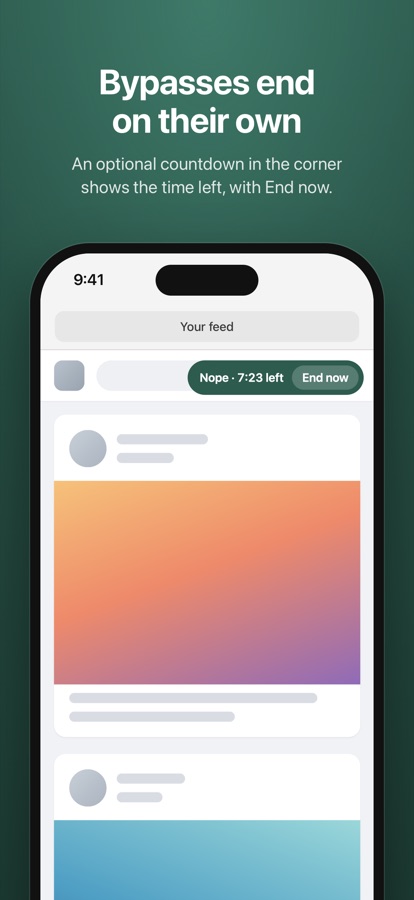
- Bypasses that end on their own, from a daily allowance with the reset time shown
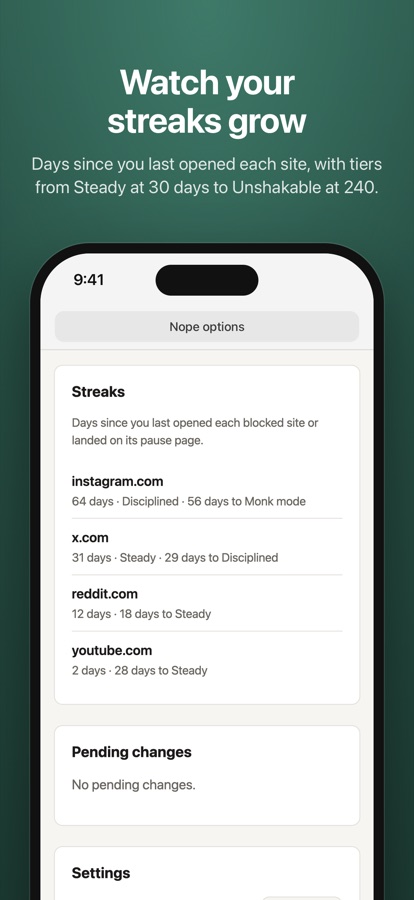
- Streaks for each blocked site, with tiers at 30, 60, 120 and 240 days
- Quick picks and sites you've seen before, one tap away when you block
- An optional countdown in the corner of a site while a bypass runs, with End now
Nope works only in the browser you add it to: Safari on iPhone, iPad and Mac, or Chrome on a computer. Like any extension, it can be turned off in the browser’s settings: it is a speed bump for habits, not a parental control. Questions? See Support.